
 Marcos

Let’s get the awkward part out of the way: Paralives still has no basement button. Version 0.1.9, the current Early Access build on Steam, has no dedicated basement or foundation tool, and basement tools sit on the roadmap as a free update with no date. You can still build a convincing underground floor today with two workarounds, sinking a finished house with Move Lot or digging a pit with the terrain tools. I’ve built with both, and the Move Lot trick is the one I keep coming back to.
Below you’ll find how foundations work, both basement methods step by step, stairs that reach the lower floor and the bugs that can eat an evening. Everything here is written for the 0.1.9 build, so some of it will change once the official tools arrive. If that basement is going to end up as a nursery, my Paralives baby guide covers the other half of the job.
How to build a foundation in Paralives
Coming from The Sims 4, I went looking for a foundation button. There isn’t one. Here a foundation is just a floor platform lifted above the ground. Once you see every room as a platform, foundations, porches and sunken areas all follow the same rule.
It explains basements too. A floor won’t drop below the terrain around it, so every basement trick starts by moving either the house or the ground. Remember that and most “why won’t this work” moments vanish.
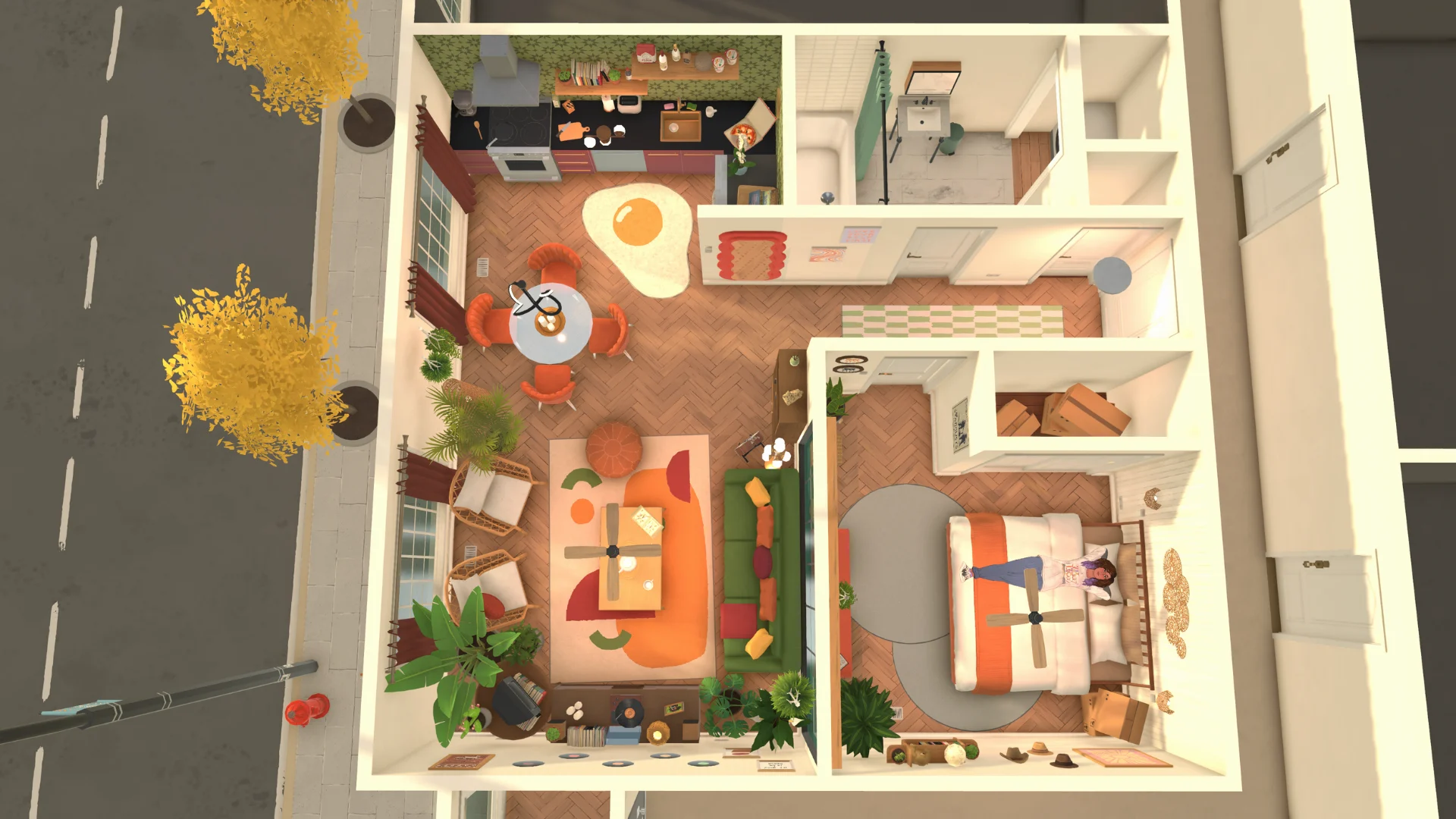
Raising the floor with the blue arrow
Draw a closed room with the wall tool, click the floor and drag the blue arrow in the middle upward. Get the footprint right before you lift anything, because reshaping a raised room is far more annoying than drawing it properly once.
If the platform won’t move, something is in the way: furniture, doors or stairs on that floor, or terrain sitting higher than it. Clear the room and flatten the ground underneath, then try again.
Splitting a room into two heights with the separator wall
For a sunken living room or a half-level, open the three-dot menu on the wall tool and pick the separator wall. Trace the area, raise or lower only that section and join both heights with stairs. The separator splits the floor without a solid wall, so the room stays open.
It’s also the quickest fake basement in the game: ring the pit with half walls and you’re done. Still, it always reads as a half-level, not a true underground floor, so I save it for lounges.
Matching wall heights so your rooms connect
Every wall can have its own height, which is great until two groups of walls refuse to join. Select a wall and the first pair of arrows sets its height (the second pair handles thickness). Match the heights before you connect two rooms, or bridge them with a separator.
Terrain edits cause a sneakier version: after flattening around a dug-out room, walls can look shorter than you drew them. Select each one and drag its height arrows back up until the top meets the floor above.
How to make a basement in Paralives without a basement tool
Basement tools share the roadmap with advanced stairs and pools, with no release date. Until then, two community methods do the job. Both give you one usable level below the grass, and neither needs mods or cheats.
One warning: the 0.1.9 patch notes still list save file corruption as a known issue, so save before you push a house into the ground.
Method 1: sinking a two-story house with Move Lot
- Move trees, shrubs and yard decor into the household inventory, because they sink with the house.
- Build a house with at least two floors. The ground floor becomes your basement, so give it the shape you want down there.
- Zoom out until you reach the town map view, click your lot and pick the Move Lot arrows.
- Select the house, hold Shift and drag the mouse down. The ground floor slides under the grass.
- Use the down arrow at the top right of the screen to go down a level and place stairs from Build Mode.
The first time, I skipped step one and my front garden sank with the house. Funny, but tedious to fix. Stop the drag a little early if you want basement windows: a strip of wall left above the grass is enough for a row of small ones.
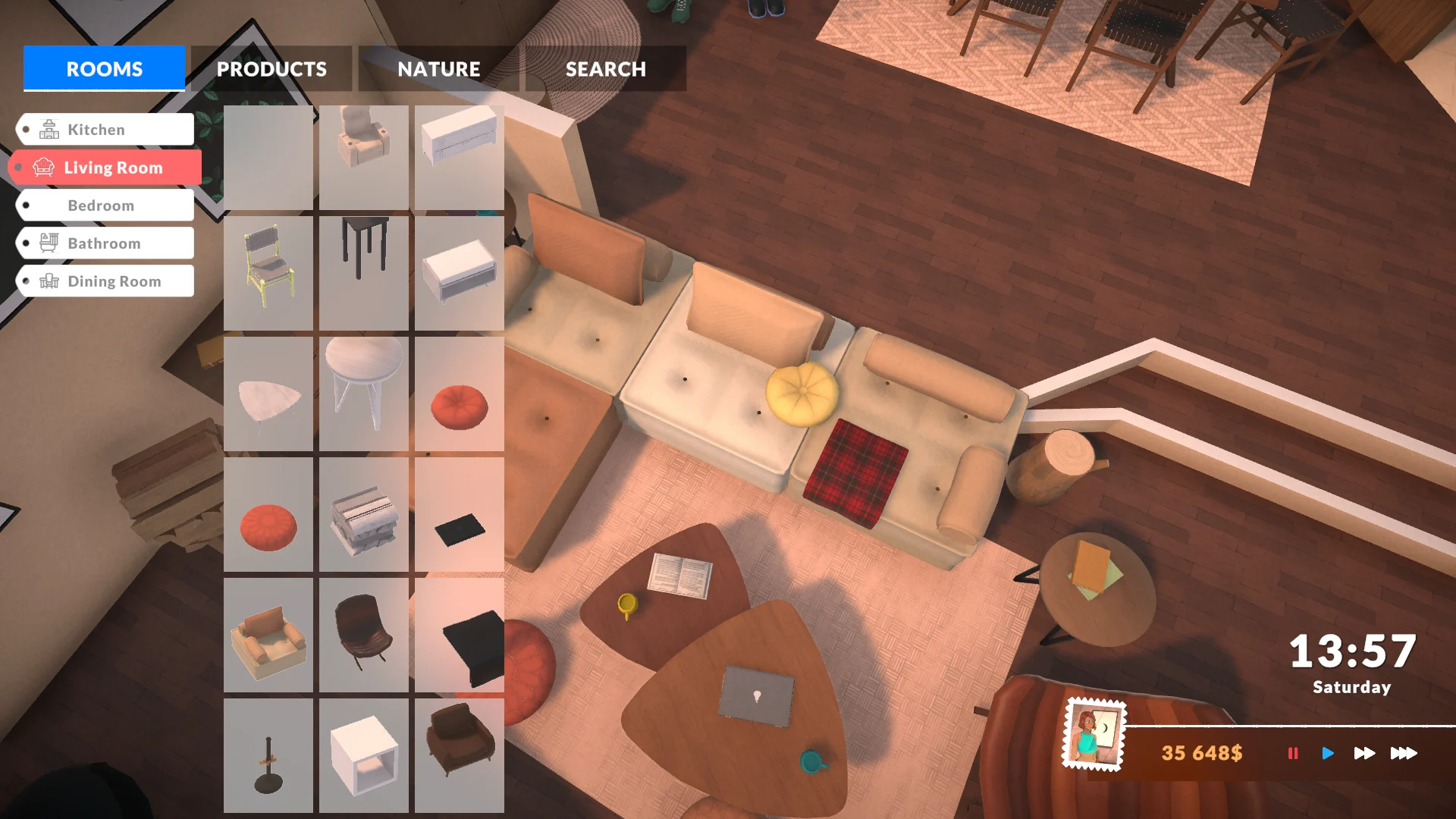
Method 2: digging a pit with the terrain tools
Open the terrain tools, use Lower where the basement goes and Flatten for a level floor. Dig wider than feels necessary, because the room has to fit a staircase. Then wall in the pit and build the main floor above it. Stairs stretch or shrink to the height they cover, so a shallow basement gets a shorter flight.
The catch is precision: brushes leave soft, uneven edges, and a lumpy hole is miserable to wall in. Start at low intensity and flatten from the highest point outward. It’s slower than Move Lot but better for new builds or a walk-out on a slope.
Which tools you need for each step
Here’s the whole toolbox in one place. Seven controls cover every foundation and basement job in 0.1.9:
| Tool | Where to find it | What it does for a basement |
|---|---|---|
| Move Lot arrows | Town map view, on your lot | Sinks the whole house one level with Shift |
| Terrain Lower and Flatten | Terrain tools in Build Mode | Digs and levels the pit |
| Blue floor arrow | Middle of a selected floor | Raises or lowers a platform |
| Wall height arrows | On a selected wall | Restores walls after digging |
| Separator wall | Wall tool, three-dot menu | Creates split levels and sunken areas |
| Level arrows | Top right of the screen | Switches between floors |
| Stairs | Build Mode catalog | Connects levels, height adjusts on its own |
My pick? Move Lot for a full basement under a house I’ve already finished, terrain tools when I’m planning from scratch. Mixing them works too: sink the house, then sculpt a sloped path down to a lower door.
How to fix Paralives basement stairs, walls and lighting
Digging the hole is the easy part. Making Paras use it, and making it feel like a room instead of a cave, takes a bit more. Almost every problem I’ve hit comes down to stairs, light or the camera.
None of these fixes need cheats. They’re placement habits, and once they stick you stop thinking about them.
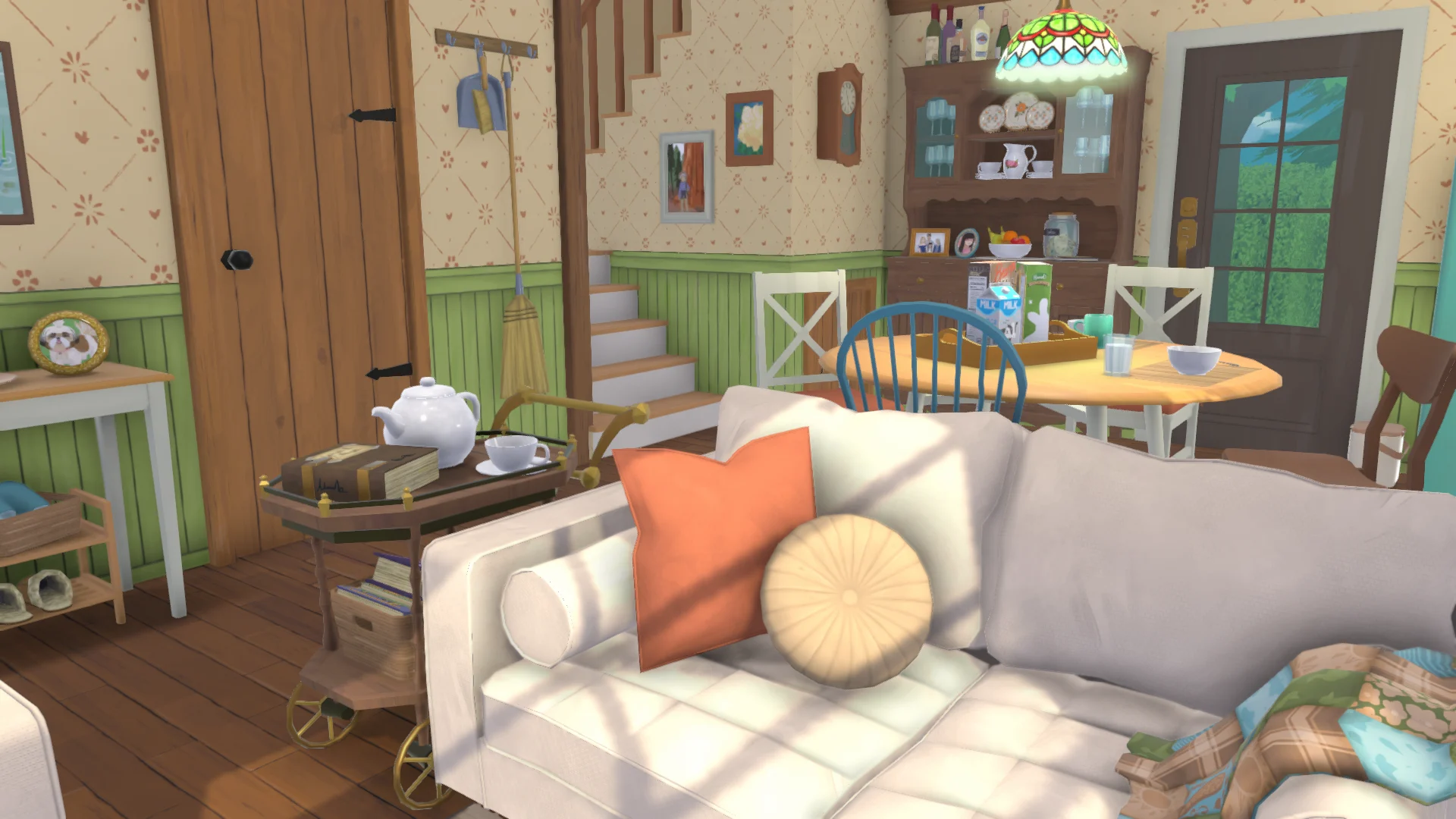
Stairs that don’t connect or Paras that take the long way
Stairs can take a few tries to snap at the right height. Drag the handles until the flight meets both floors, and keep both landings clear. A sofa or a box parked too close to the last step is enough to block the route.
Some players who sank a house with Move Lot have reported stairs that stopped working and Paras walking the long way around. My rule: place the stairs after the sink, never before, and redraw any flight that acts up.
Lighting an underground room after the lamp revamp
The August 10 update (0.1.7) reworked how lamps light a room: more realistic light, a wider reach and less glow splashed on the walls. Great above ground. Underground, with no sunlight at all, I wouldn’t trust a single ceiling light to fill the room.
I spread two or three sources instead, a ceiling light plus floor lamps near seating. A pitch-black basement is fun when you’re hunting ghosts with my best Phasmophobia custom settings, less so in a family home. Windows from Method 1 help a lot during the day.
Using the Classic camera and the wider build menu
Patch 0.1.8 on August 24 added a Classic camera in the options menu: middle click rotates, right click scrolls the view. Orbiting a sunken room is much easier this way, especially when lining up stairs against a wall you can barely see.
The same patch let the Build Mode menu stretch to seven columns, and 0.1.9 fixed its layout glitches. On a wide monitor you see far more items at once, so finding the right lamp is quick.
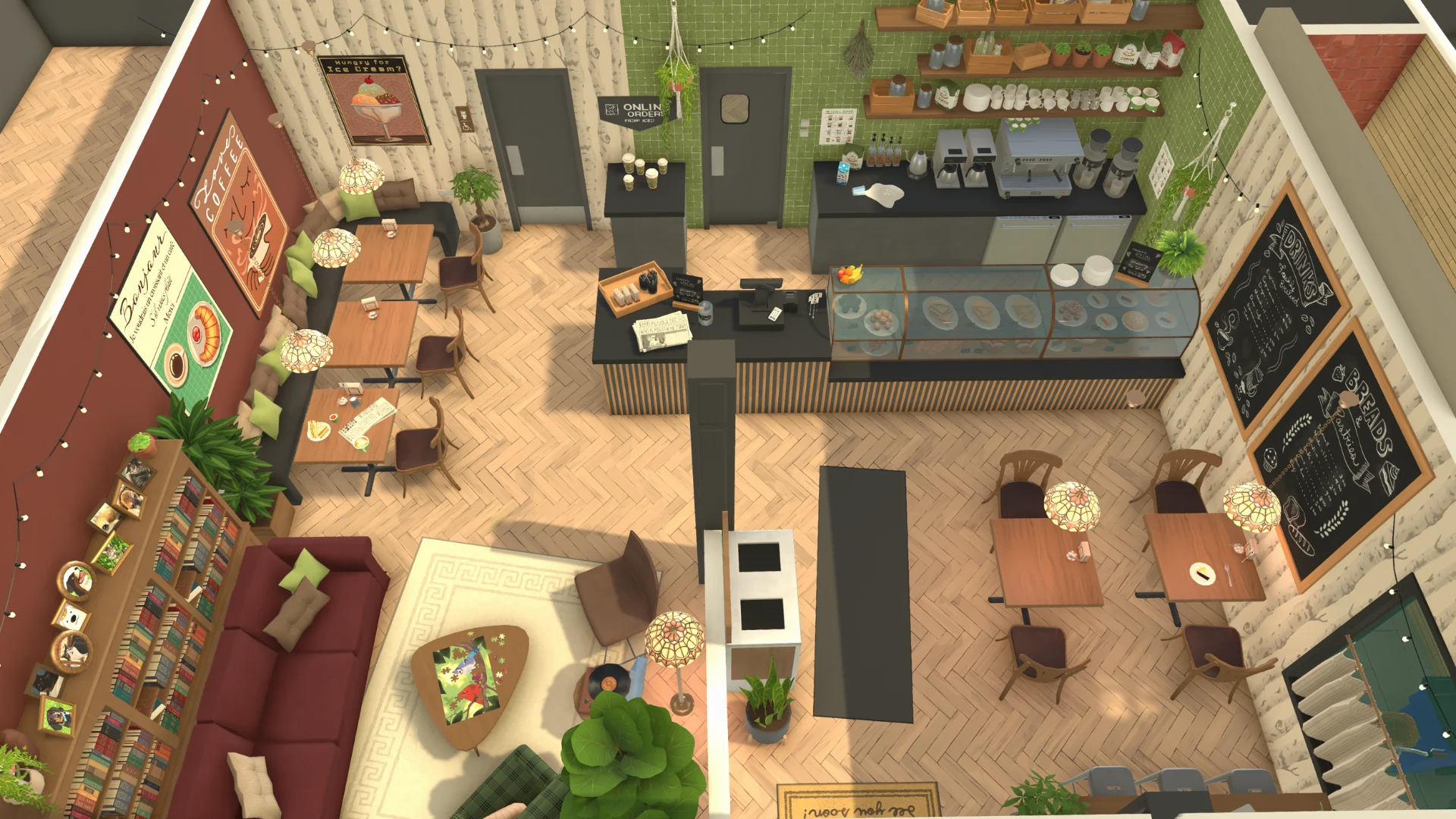
Basement ideas that are worth the effort
A laundry and storage room is the practical choice. A guest bedroom suits Method 1 windows. My favorite, though, is a game den with a desk, a PC and a big couch, the kind of room where I’d lose a night to Slay the Spire 2 Ascension climbs. Small basements feel cozier than huge ones, so don’t dig more than you’ll furnish.
Split levels deserve a spot too. A sunken lounge one half-level down gives a ground floor the same “downstairs” feeling without a single stair bug.
Personal review
What I love about Paralives building is how much it trusts you. Walls of any height, free angles and a Shift trick that pushes a whole house underground feel closer to sculpting than the grid of The Sims 4, which gives you a real basement tool but less freedom. If you enjoy tinkering until a room looks right, the workarounds are half the fun. If you want one-click basements, wait for the official tool, or stick with The Sims 4 or inZOI for now.
Paralives is in Early Access on Steam for PC and Mac at $39.99, with free updates and no paid DLC promised. When I need a break from fiddling with stair heights, a run of Monster Train 2 or gearing up in Hytale resets my brain. Tell me in the comments how you built your basement, which trick worked for you and what you’d want in the official tool.
Frequently asked questions
Can you build a basement in Paralives?
Not with a dedicated tool yet. In version 0.1.9 you can sink a two-story house with Move Lot while holding Shift, or dig a pit with the terrain Lower and Flatten tools and build walls inside it. Both give you one level below ground.
Will Paralives add an official basement tool?
Yes, basement tools are on the official Early Access roadmap as a free update, next to advanced stairs and pools. The studio has not given a release date for them.
How do you raise a foundation in Paralives?
Draw a closed room with the wall tool, select the floor and drag the blue arrow in the middle upward. If it will not move, clear furniture, doors and stairs from that floor and flatten any terrain sitting higher than it.
Why won’t my Paras use the basement stairs?
Usually something blocks a landing or the flight does not meet both floors. Keep the top and bottom steps clear, place the stairs after sinking the house, and delete and redraw them if Paras still walk around.
Does Move Lot sink trees and decorations too?
Yes. Everything on the lot goes down with the house, so move trees, shrubs and yard decor into the household inventory before you drag the house underground.
Which platforms is Paralives available on?
Paralives has been in Early Access on Steam for Windows PC and Mac since May 25, 2026. No console version has been announced.